
Use the article links below to view information on what was reviewed in today's training session.
Overview
- Bookmark your MEHD / GO Business URL
- Login to MEHD / GO Business
- Knowledge Base & Training Videos
- Home Screen
- Calendar
- Widgets
- Customers
- Coverage Companies
- Contacts
Bookmark your MEHD / GO Business URL
Open Google Chrome as your clinic's preferred web browser and bookmark your companies MEHD / GO Business URL.

OR

Login to MEHD / GO Business
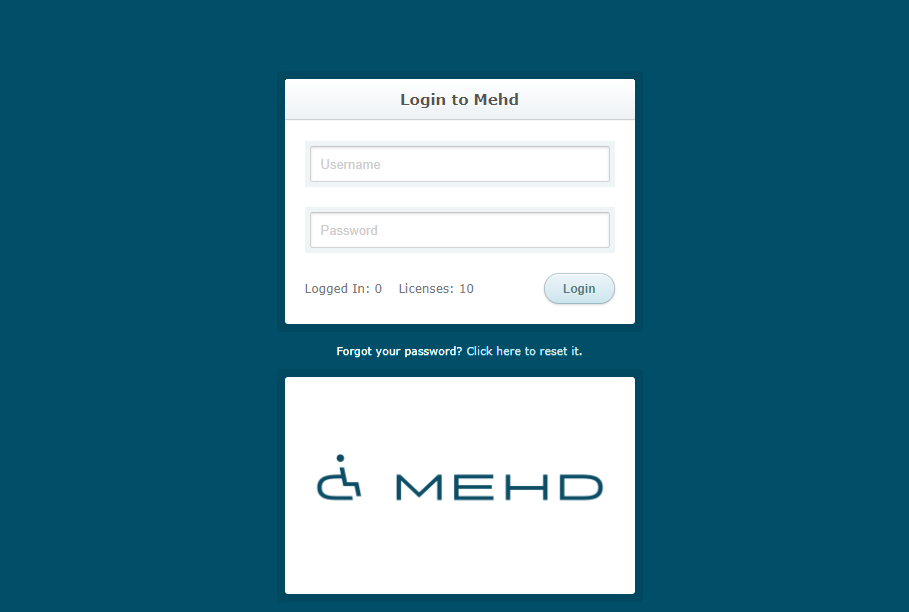
Use the username and password supplied to you to login to your MEHD / GO Business system - this is where the magic starts to happen!
If you cannot remember your username and password, please as an executive at your company to view your username and reset your password.
Knowledge Base & Training Videos
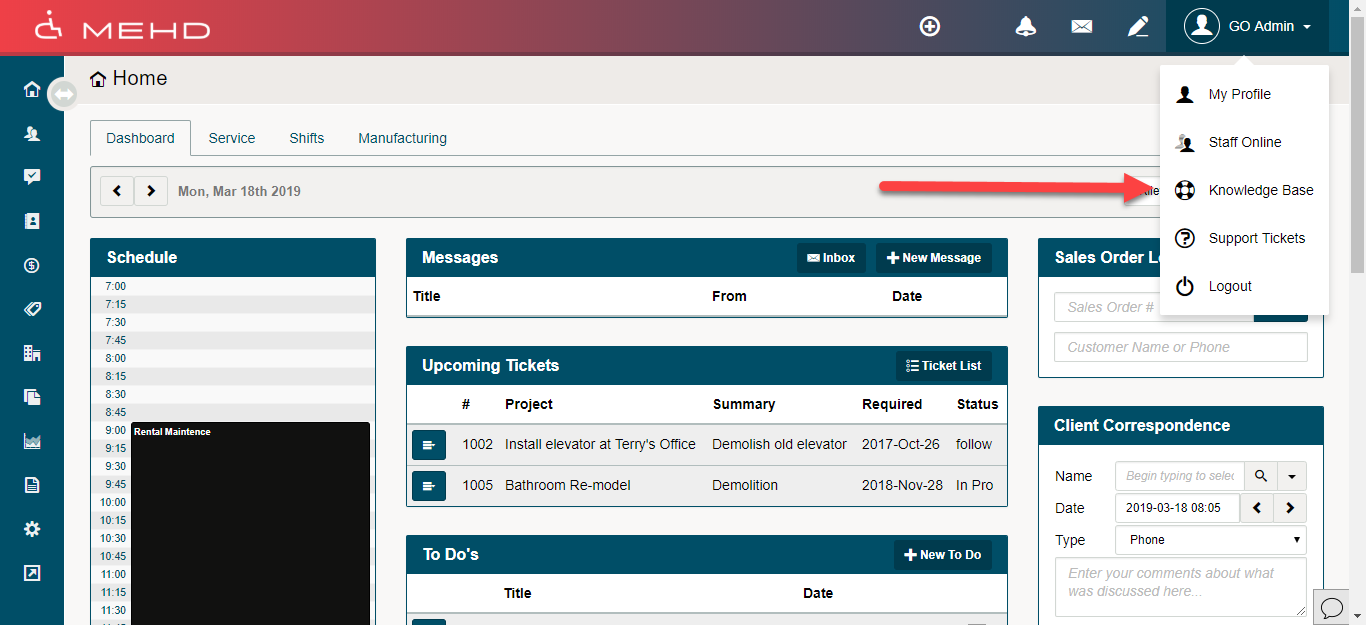
Please take advantage of our Knowledge Base Articles and Videos that are attached directly to your MEHD / GO Business system!
While logged into your MEHD / GO Business system select the User icon/down arrow to have access to the Knowledge Base.
Feel free to browse the articles and videos as you want to know the 'in's and out's' of MEHD / GO Business to become a Super-User!
Home Screen
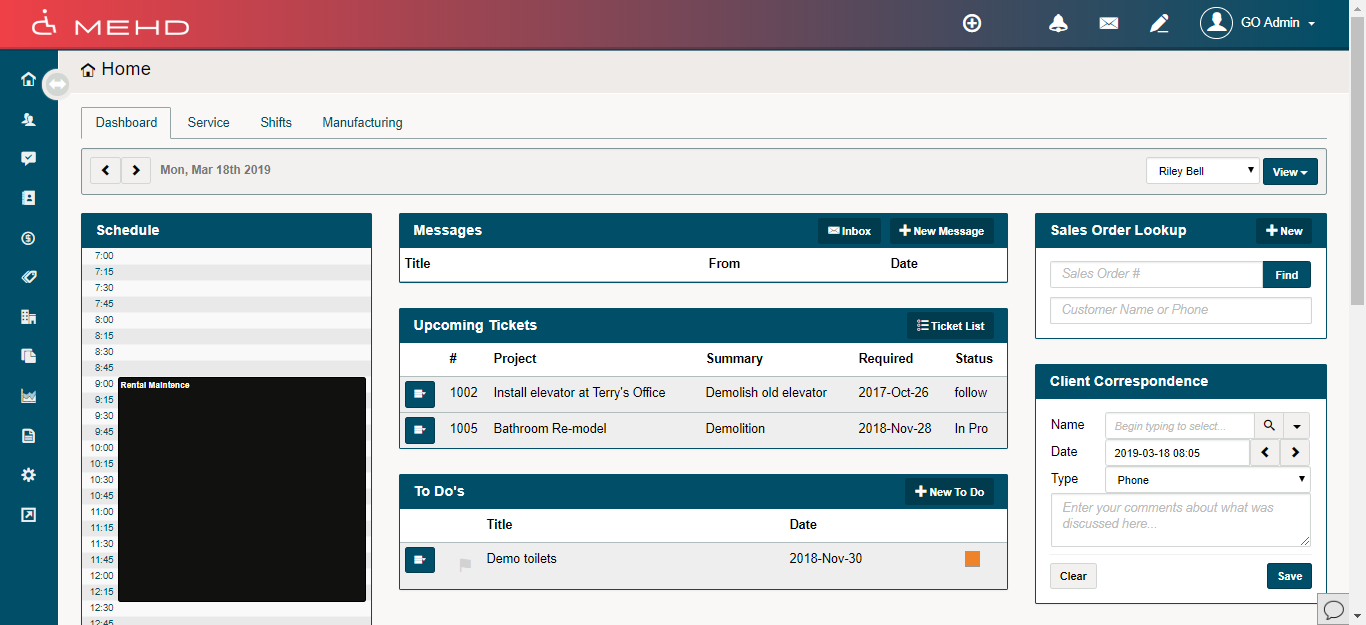
- Top Menu
- Left Module Menu
- Dashboards
- Calendar
- Messages
- To Do’s
- Call’s
- Quick Create
- Notifications
- Internal Message
Calendar
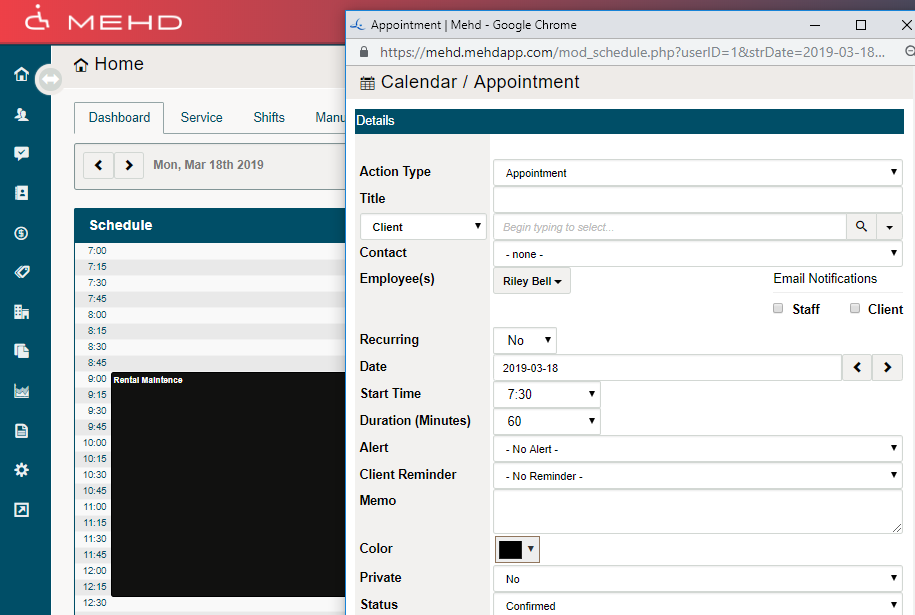
- Schedule Appointment
- Schedule Recurring Appointment
- Attach Customer, Contact, Vendor
- Cancel Appointment
- Search for Customer in Calendar
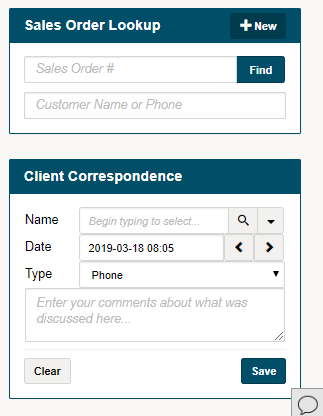
Widgets
Customers
- Create a New Customer
- Create an Individual or Business Customer
- Edit Customers Profile
- Record Customer Correspondence
- View Customers Correspondence
- Difference of Save and Apply
- Merge Customers
- Tax Exempt Customers
- Add a Card on Customers Profile
- Advance Customer Search
- Add Documents to a Customer
- Customer Groups
- Add Contact to a Customer
- Actions Plans
Coverage Companies
Contacts
- Contact Groups
- What is a Contact
- Adding Contact to a Customer
- Creating a New Contact
- Multiple Contacts for Customer
- MEHD – Contact Guidelines
Comments
0 comments
Please sign in to leave a comment.